Signal survey
We walk the line and list what each machine can already tell us: PLC registers, counter outputs, proximity or photo sensors, or nothing yet.
Services Machine data & live dashboards
Machine data & live dashboards
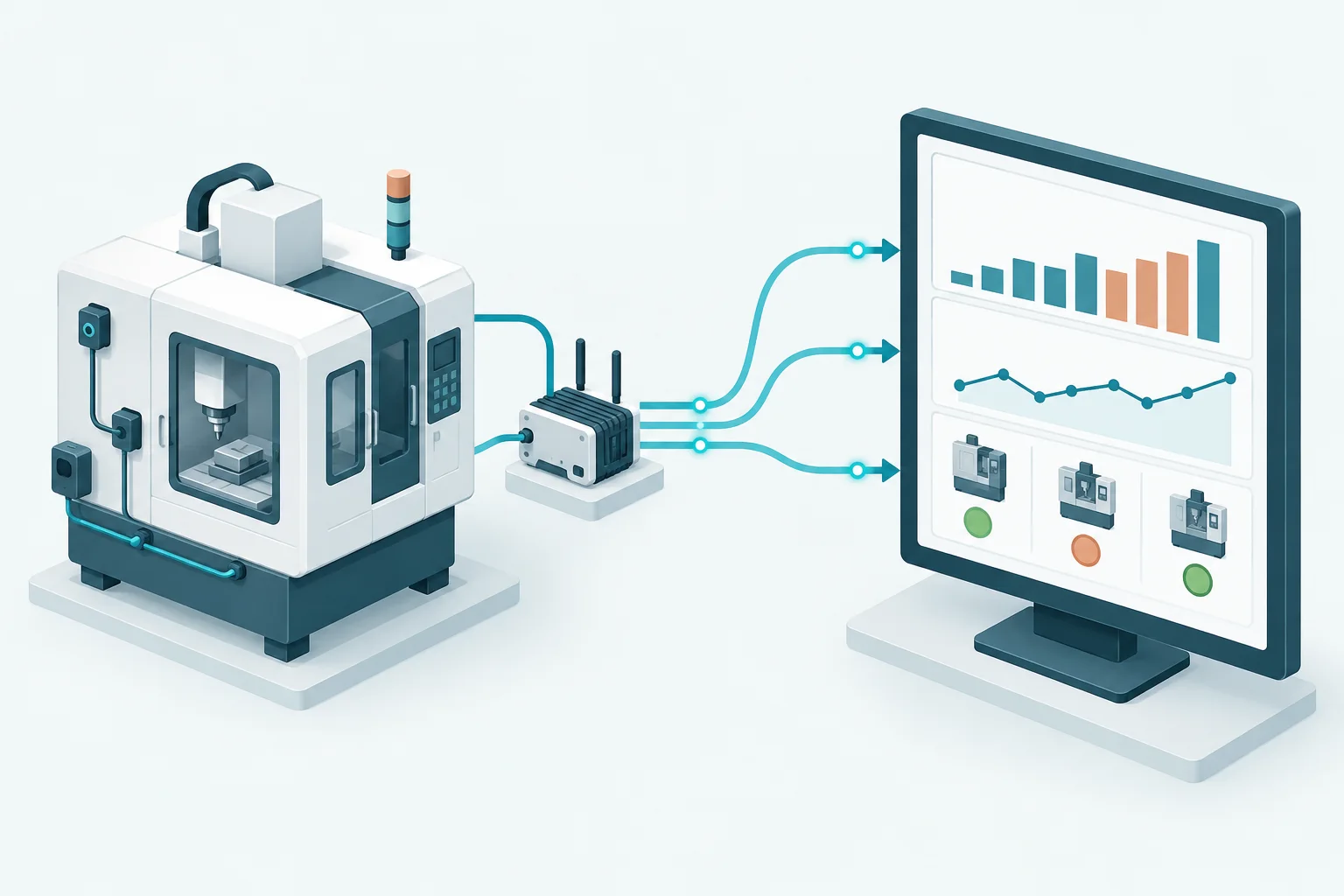
We connect the machines you already run, whether new PLC-controlled or twenty years old, and bring their counts and status into one live view. No more chasing operators for numbers at the end of the shift.
Manual counts are slow, rounded and easy to dispute. Machine data is none of those things.
Hardware, wiring, configuration and the dashboard, delivered by one team and validated against your own counts.
We walk the line and list what each machine can already tell us: PLC registers, counter outputs, proximity or photo sensors, or nothing yet.
For machines without usable outputs, we add sensors at the right point in the cycle to count strokes, parts or cycles reliably.
Separate good and reject signals where the process allows it, so quality is measured, not assumed.
Teltonika industrial routers and gateways collect the signals over Modbus or digital inputs and send them securely over MQTT.
Scanners at packing or inspection stations count units as they pass and record the codes for traceability.
Counts, run/idle status and rates per machine, ready to feed the MES plan board and OEE when you are ready.
We prove the data on a few machines before wiring the whole floor.
Plan a signal surveyVisit, photograph and list every machine’s available signals, panel space and network options.
Install sensors and gateways, wire the signals and configure what each one means.
Compare machine counts with your register for several shifts and fix any differences before going live.
Put the dashboard in front of supervisors and on the shopfloor TV. Extend it to MES when the data is trusted.
If a machine has a cycle, we can usually count it. The survey tells us how.
Usually, yes. Where there is no PLC or data port, a sensor can count the machine’s cycle directly. The signal survey confirms the approach for each machine.
Not necessarily. Industrial gateways can use wired Ethernet or a cellular connection, depending on what is practical at each location.
No. We tap signals in read-only ways and do not change machine logic. Any electrical work follows your maintenance team’s approval.
Before going live, we run the machine count side by side with your register for several shifts and resolve every difference.
Yes. The same data feeds the MES plan board and OEE, so nothing is wasted when you extend.
One team for the shopfloor: each service connects to the others when your project needs it.
Let’s look at your machines
Tell us how many machines you run, their types and roughly how old they are. We’ll suggest how to connect them and what a pilot would cover.
The demo is free, at no cost and with no commitment.