Scope a focused pilot
Choose a line or machine group, agree which signals and measures matter, and define what a successful pilot should demonstrate.
Manufacturing Execution System for Indian MSMEs
Bring your production plan, machine output and quality data into one view. See what’s running, what’s falling behind and where your team needs to act.
From individual machines to lines and plants.
One view of your shopfloor
Shopfloor data, supervisory control, automation and robotics from one team, for a single machine, a plant room or a complete line.
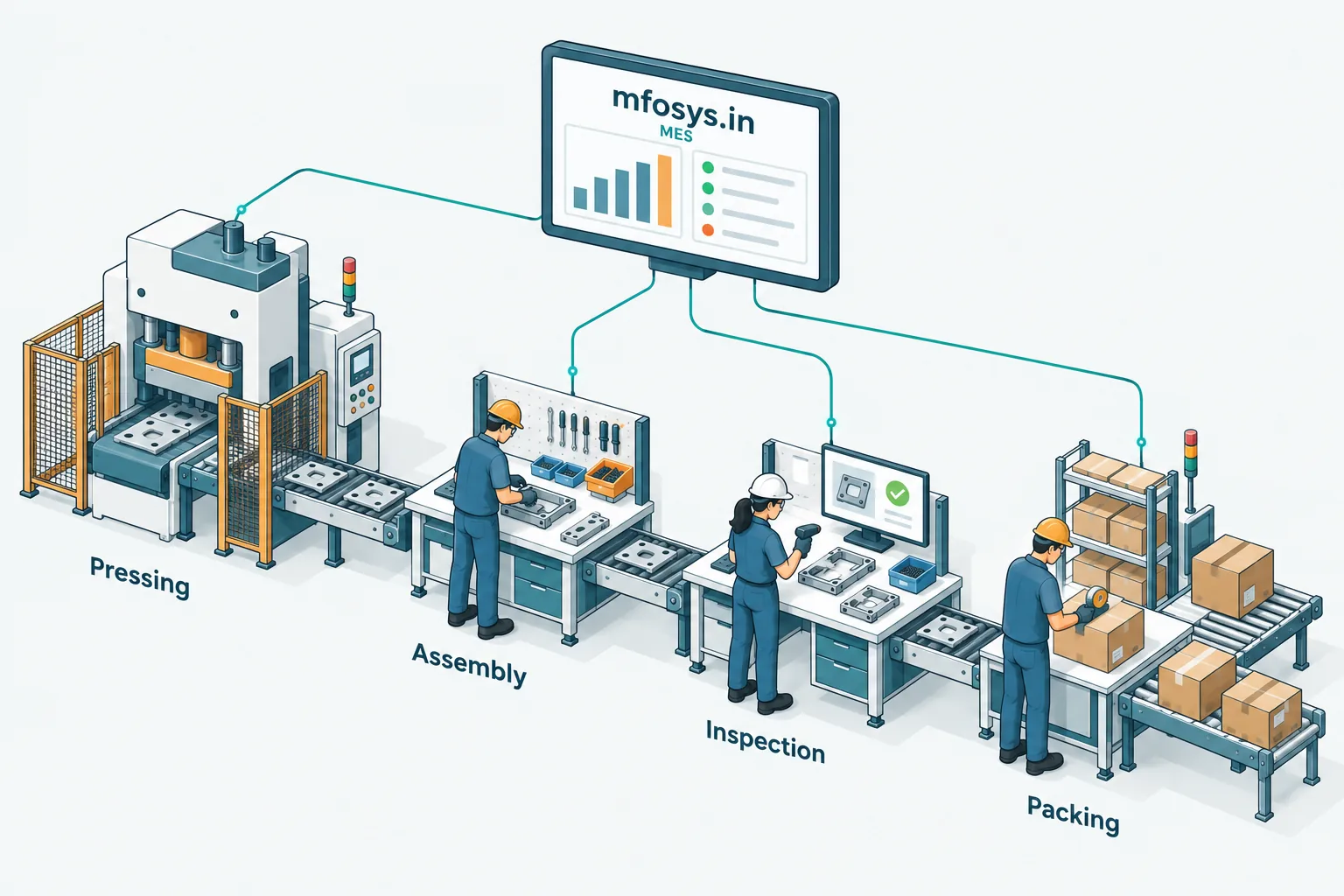
Plan Capture Compare
Set shift targets, capture output from every counted stage and compare plan with actual, from the plant down to one machine.
Explore the service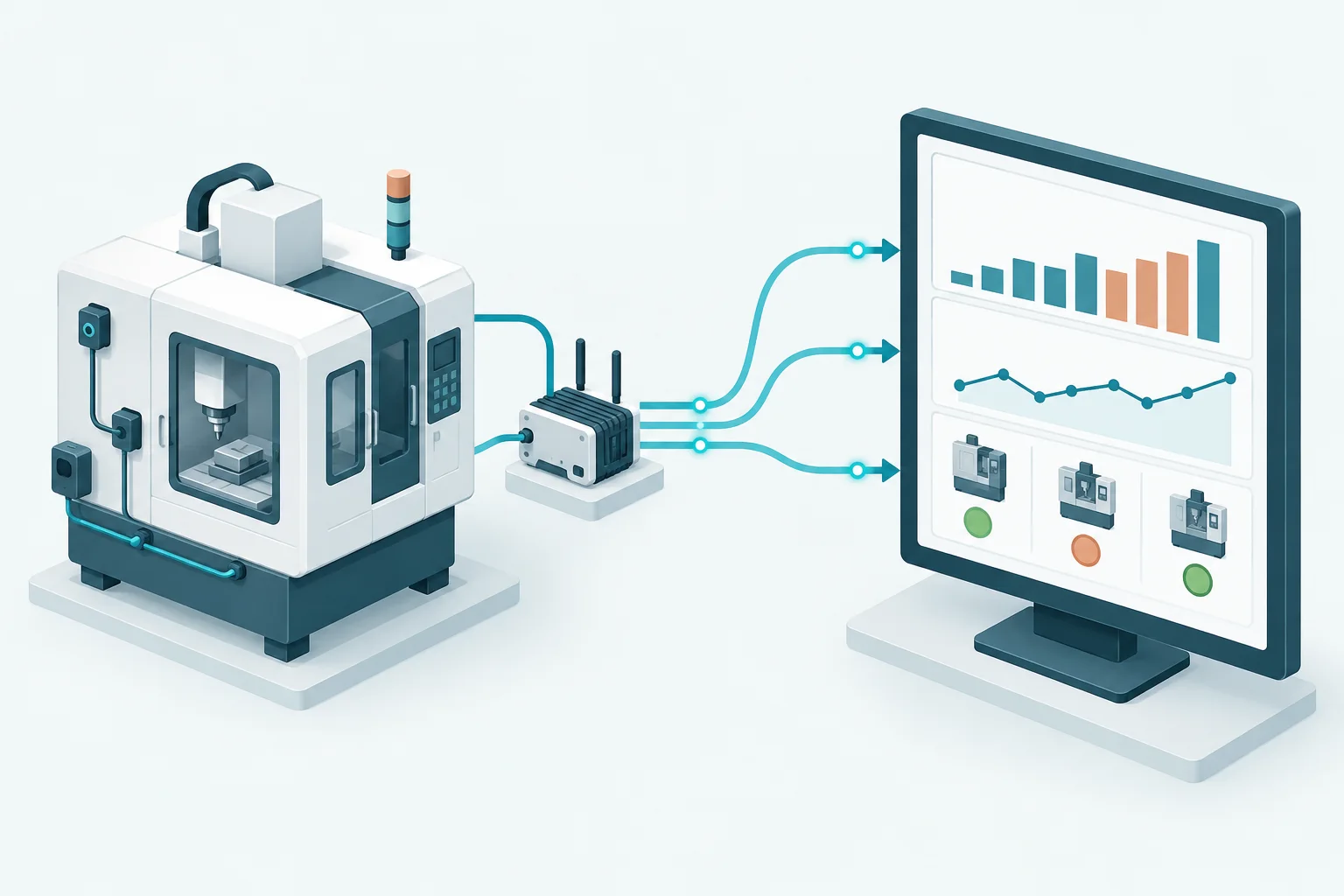
Capture Connect Visualise
Read counts and status from PLCs, counters and gateways, and bring them into one live view for your team.
Explore the service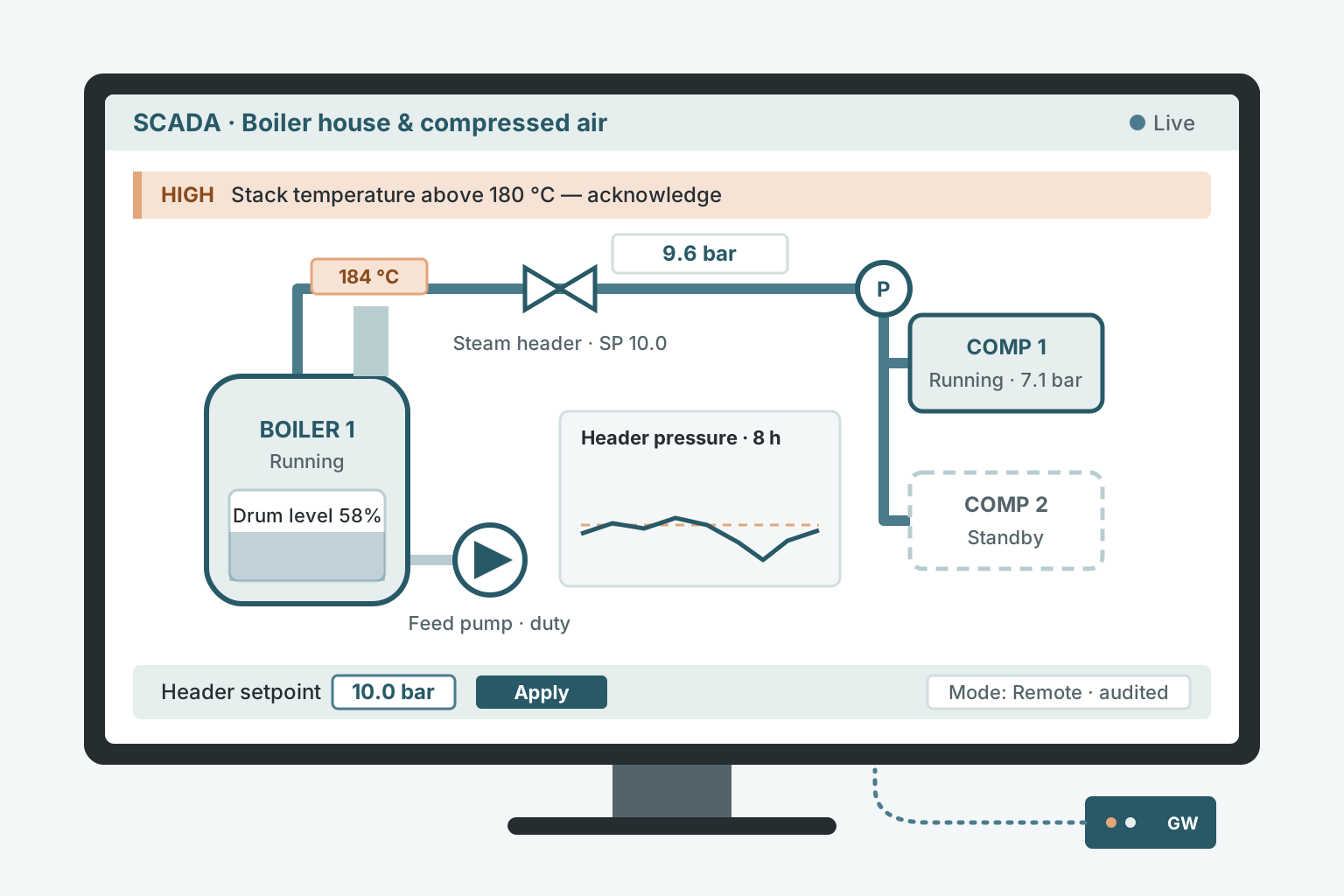
Supervise Alarm Control
Watch boilers, compressors, chillers, effluent and solar plants live, get alarms before they trip, and adjust setpoints remotely with every change on record.
Explore the service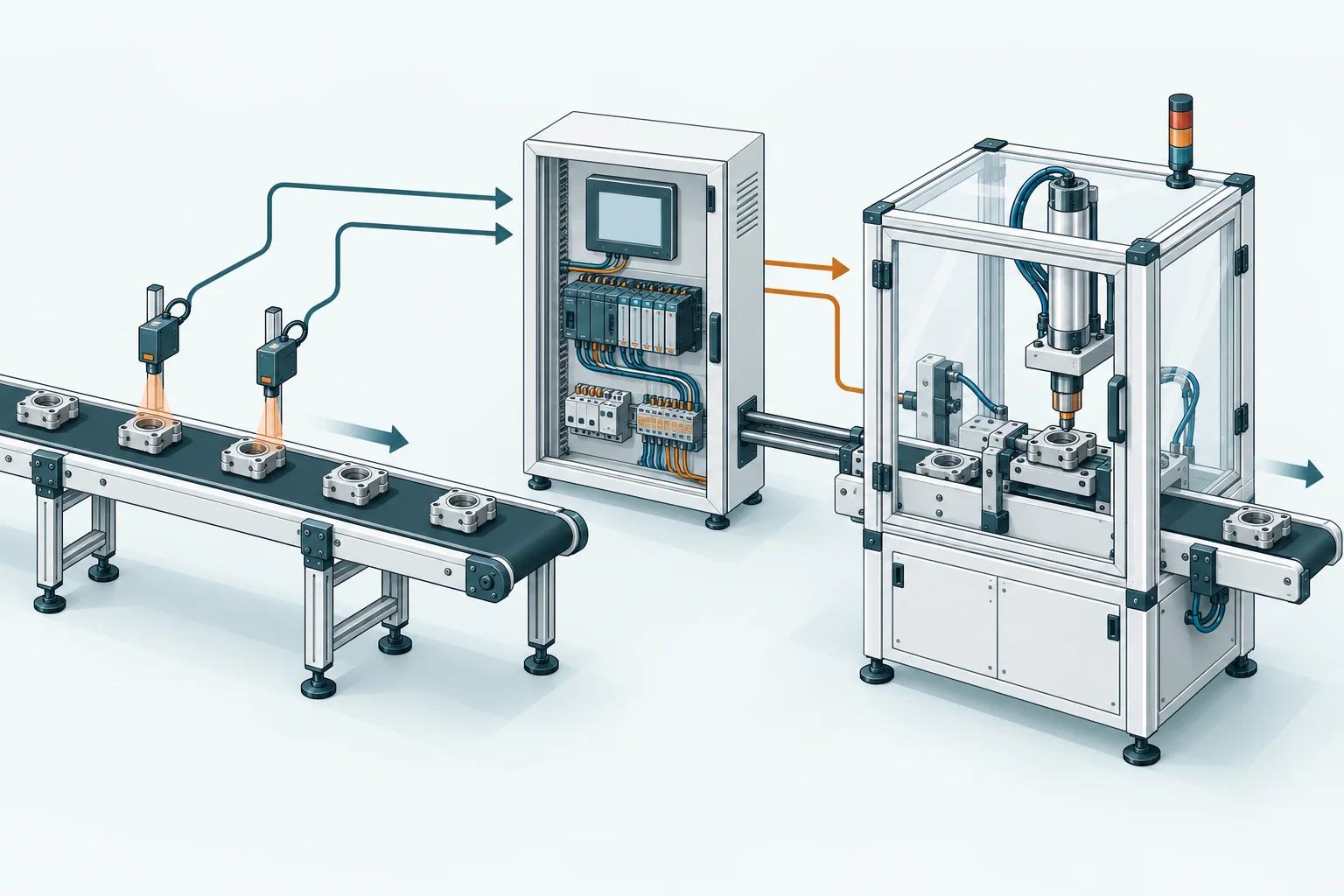
Sense Control Act
Connect sensors, PLCs and controls to coordinate machine cycles and production processes.
Explore the service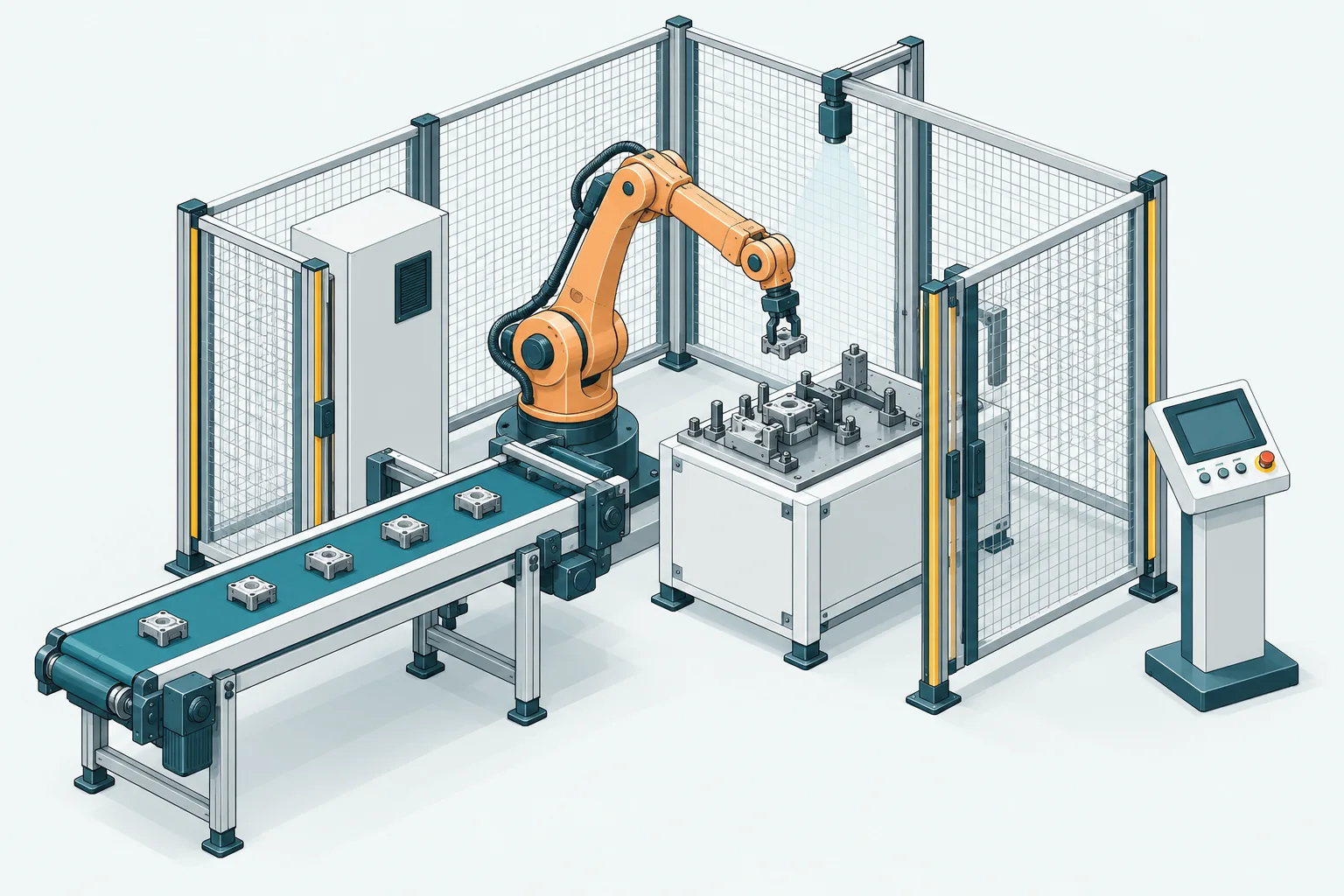
Pick Position Assemble
Integrate robot handling and assembly with conveyors, vision systems and machine controls.
Explore the serviceTell us what you make and what is slowing you down. We’ll suggest whether the answer is data, control, automation or a robot, and the smallest useful first step.
Talk to an engineerA shared picture for the people planning production and the people running it.
Discuss your production flowDefine lines, stages and shifts. Add the model, SKU and quantity you plan to produce.
Capture output from configured machine signals, PLC counters or scanners as production progresses.
Compare the plan with actual output. Review line performance and quality to decide where to focus next.
A useful first step starts with your machines, your process and the questions your team needs answered.
Choose a line or machine group, agree which signals and measures matter, and define what a successful pilot should demonstrate.
We assess available machine signals, counters and scanners, then identify the gateways or integration work your setup needs.
Use machine and line views for investigation, the plan board for production reviews, and a TV view for shared shopfloor visibility.
Explore the fit for your process, from a counted machine cycle to a multi-stage assembly line.
Yes. A focused pilot lets us establish the data connection, validate counts and agree useful production views before expanding the scope.
That depends on the signals and interfaces available. We assess the equipment first and propose the required machine connections, gateways or scanner setup.
Metrics depend on the configured production plan and the signals each machine provides. Good and reject counts support quality measures; scanner-only counts do not independently establish whether a part passed inspection.
We scope this around your machine interfaces, number of lines, required metrics and installation needs. Share your plant details and we’ll discuss a pilot and a quote.
Let’s look at your shopfloor
Tell us what you manufacture, how many machines or lines you run, and what you want to track. We’ll use that to shape a free demo around your plant.
The demo is free, at no cost and with no commitment.